Home
Home
Mastering the Radar Schedules App for Your Restaurant Shifts

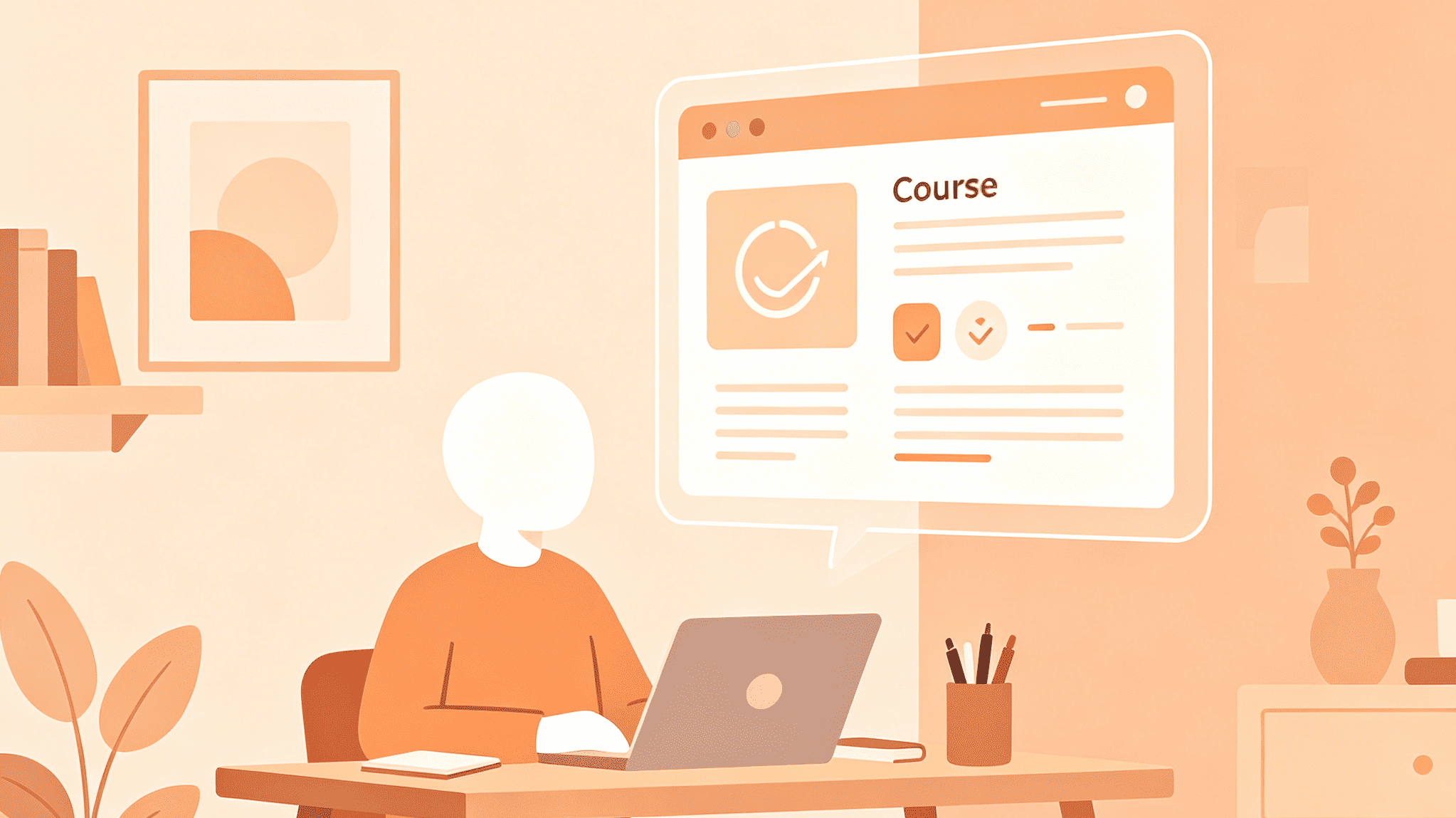
Efficient scheduling remains the backbone of a successful restaurant operation. For years, the industry struggled with paper rosters, chaotic group texts, and the inevitable "I thought I was off" phone calls. The Radar Schedules app, previously known to many as Ctuit Schedules, emerged as a specialized response to these specific pain points. In the current landscape of 2026, this mobile solution has become a standard tool for thousands of hospitality professionals seeking to balance their personal lives with the demanding pace of shift work.
Understanding the Radar Schedules app requires looking past its simple interface to the robust workforce management system it supports. It is not a generic calendar tool; it is a dedicated bridge between restaurant management and the front-of-house or back-of-house teams. Whether the goal is picking up extra hours to cover rent or finding a replacement for a sudden family emergency, the app facilitates these transactions without the friction of traditional methods.
Accessing the Platform: The Invitation-Only Model
One of the most frequent points of confusion for new users is the inability to simply create an account after downloading the app from the App Store or Google Play. The Radar Schedules app operates on a secure, closed-loop system. To log in, an employee must first be entered into the restaurant's central management system by a manager. Once registered, the system triggers an invitation email or text containing a unique activation code or link.
This security measure ensures that sensitive scheduling data and internal team communications remain private. It also ensures that only verified employees can interact with the shift board. If the invitation hasn't arrived, the primary step is always to verify the email address on file with management rather than attempting to bypass the login screen. Once the initial setup is complete, the app offers multiple login options, including integration with major platform accounts to streamline future access.
Real-Time Schedule Visibility
The core functionality of the Radar Schedules app is the "My Schedule" module. In an industry where shifts can change based on seasonal demand or sudden events, having a live, updated view of work hours is indispensable. The app replaces the static bulletin board with a dynamic grid format that is easy to read on mobile screens.
Within this view, users can see not just their start and end times, but often the specific role or station they are assigned to for that day. A subtle but important feature is the ability to see who else is working the same shift. This fosters better teamwork, as employees know exactly who their partners are before they even step through the kitchen doors. For those working across multiple locations in a larger restaurant group, the app supports location-specific views, preventing the common nightmare of showing up at the wrong storefront.
The Art of the Shift Trade
Life in the hospitality sector is rarely predictable. The Radar Schedules app excels in its handling of shift trades and offers, transforming what used to be a series of frantic phone calls into a few taps on a screen. There are three distinct ways to adjust a schedule within the app:
- Offering a Shift: If an employee cannot work a shift, they can "offer" it to the entire pool of qualified coworkers. This doesn't guarantee the shift will be covered, but it makes the availability visible to everyone instantly.
- Trading a Shift: This is a direct swap between two colleagues. User A takes User B’s Tuesday night, and User B takes User A’s Thursday morning. Both parties must agree within the app before the request moves to the next stage.
- Picking Up a Shift: Users looking for extra income can browse the "Available Shifts" board. These are shifts that have been offered by others or created by managers to fill gaps in the roster.
Critically, most of these actions require manager approval to become official. The app maintains a "pending" status for these requests, ensuring that labor laws are followed and that the resulting schedule maintains a proper balance of experienced staff. Once a manager approves or denies the change, push notifications inform all involved parties immediately, eliminating the "waiting game."
Time Off Requests and Availability
Managing vacations and personal appointments is often a source of friction between staff and management. The Radar Schedules app streamlines this by allowing users to submit time-off requests directly through the interface. Users can specify single days or extended ranges, and they can add notes to explain the necessity of the request.
Beyond formal time-off, the app allows for "Availability" settings. This is where an employee can define their general window of workability—for example, a student might mark themselves as unavailable every Tuesday and Thursday afternoon for classes. By setting these parameters, the app helps managers avoid scheduling conflicts before they occur, leading to fewer last-minute change requests.
Leveraging the Volunteer Standby List
A more recent and highly effective feature is the Volunteer Standby List. In many restaurants, there are days when the floor is overstaffed or a sudden slow period occurs. Conversely, sometimes the house needs extra hands but doesn't want to mandate overtime. The standby list allows employees to signal their willingness to be called in on short notice or their preference to be sent home early if labor costs need to be cut.
This feature empowers the staff to have a voice in their hours. Those who want the hours stay on the active roster, while those who value their time off can volunteer for the standby list, creating a more harmonious work environment where individual preferences are considered alongside business needs.
Communication and the Bulletin Board
Internal communication in a restaurant often gets lost in the noise. The Radar Schedules app includes a built-in messaging system that serves as a professional alternative to personal texting. This keeps work-related conversations organized and ensures that everyone has access to the same information. Managers can send out mass announcements—such as a change in the nightly special or a reminder about an upcoming staff meeting—directly to the entire team.
Individual messaging allows for quick questions between coworkers regarding shift details or station prep. The "Bulletin Board" feature often displays the next upcoming shift information at the top, ensuring that the most relevant data is the first thing a user sees upon opening the app. This reduces the cognitive load on employees who may be balancing multiple jobs or a heavy school schedule.
Technical Requirements and Optimization
To ensure the Radar Schedules app runs smoothly, it is important to keep the mobile device's operating system updated. As of the current version 3.4 and beyond, the app is optimized for recent versions of iOS and Android. For those who prefer a larger screen or need to manage schedules from a home office, using the app on a tablet provides a more comprehensive view of the weekly roster.
Push notifications are the heartbeat of the app's utility. Without them, the benefit of real-time updates is largely lost. Users should ensure that notifications are enabled specifically for shift changes and messages. The app also allows for customization in this area, so an employee can choose to be notified of new available shifts while silencing other non-essential alerts.
For users experiencing connectivity issues, it's worth noting that the app requires a stable internet connection to sync with the restaurant's server. If a change is made while offline, it may not register until the device is back on Wi-Fi or cellular data. Regular cache clearing within the app settings can also help maintain performance if the interface begins to feel sluggish after months of heavy use.
The Manager’s Perspective: Why It Matters
While the employee experience is the focus of the mobile app, it is part of a larger ecosystem for managers. By moving the scheduling process to a digital platform, managers gain access to deep analytics. They can track labor as a percentage of sales, monitor overtime risks in real-time, and see which employees are most frequently offering or picking up shifts.
This data-driven approach leads to fairer scheduling. When a manager can see the history of time-off requests and shift trades, they can make more informed decisions that prevent burnout. The app also helps in maintaining compliance with local labor regulations, such as "Fair Workweek" laws that require advance notice of schedules and compensation for last-minute changes.
Troubleshooting Common Issues
No software is without its quirks. When the Radar Schedules app doesn't behave as expected, there are a few standard troubleshooting steps that resolve the vast majority of problems:
- Login Failures: Often caused by an expired invitation link. If it has been more than 48 hours since the invitation was sent, a manager may need to trigger a new one.
- Missing Shifts: If a shift that was discussed verbally doesn't appear in the app, it likely hasn't been "published" by the manager. The app only displays shifts that have been officially committed to the live schedule.
- Notification Lag: This can occur if the device's battery-saving mode is too aggressive. Disabling battery optimization for the Radar Schedules app specifically often solves the delay in receiving shift alerts.
- Sync Errors: If a trade was approved but doesn't show in the "My Schedule" tab, try a manual refresh by pulling down on the screen or logging out and back in to force a data sync with the server.
Integration with Personal Life
In 2026, the boundary between work and life requires intentional management. The Radar Schedules app supports this by allowing users to link their work schedules with external calendars like Google Calendar or Apple Calendar. This integration is vital for those managing family commitments, second jobs, or social lives. By having work shifts appear alongside personal appointments, the risk of double-booking is significantly reduced.
Furthermore, the app's support for multiple languages—including English, Spanish, and French—ensures that a diverse workforce can navigate their schedules comfortably. This inclusivity is a hallmark of modern restaurant technology, recognizing that the backbone of the industry is a global community.
Privacy and Data Security
Users often have concerns about how much data the app collects. The Radar Schedules app is designed for business utility rather than social data mining. The primary data points are related to work performance: hours scheduled, hours worked, and shift trade history. While the app may request access to contacts (to make inviting coworkers easier) or location (for clock-in features if enabled), these are generally optional and can be managed through the phone's privacy settings.
The developer, now part of the broader Restaurant365 ecosystem, adheres to industry-standard data protection protocols. This ensures that an employee's personal contact information isn't exposed to the broader internet, keeping communication strictly within the verified restaurant team.
The Evolution of Restaurant Work
The shift toward apps like Radar Schedules represents a broader movement in the hospitality industry toward professionalization and respect for the worker's time. In the past, the lack of transparency in scheduling was a major driver of turnover. Today, providing employees with a tool that grants them agency over their own time is a powerful retention strategy.
As the industry continues to evolve, we can expect even more integration. Perhaps we will see AI-driven suggestions that help managers create the perfect roster based on historical weather patterns or local events, all delivered through the familiar Radar Schedules interface. For now, the app remains a reliable, essential companion for anyone navigating the fast-paced world of restaurant service.
By mastering the various features of the Radar Schedules app—from the Volunteer Standby List to complex shift trades—restaurant professionals can reclaim hours of their week previously spent on logistics. It turns a chaotic part of the job into a predictable, manageable process, allowing the team to focus on what they do best: providing an exceptional guest experience.
-
Topic: Radar Schedules App - App Storehttps://apps.apple.com/us/app/radar-schedules/id814648457
-
Topic: Radar Schedules App Review | Restaurant Shift Manager - MyAppRankinghttps://myappranking.com/radar-schedules/
-
Topic: Radar Schedules - Downloadhttps://i72616461722d7363686564756c6573o75706461746573746172o636f6dz.oszar.com/